
You, in 150+ creative scenes.
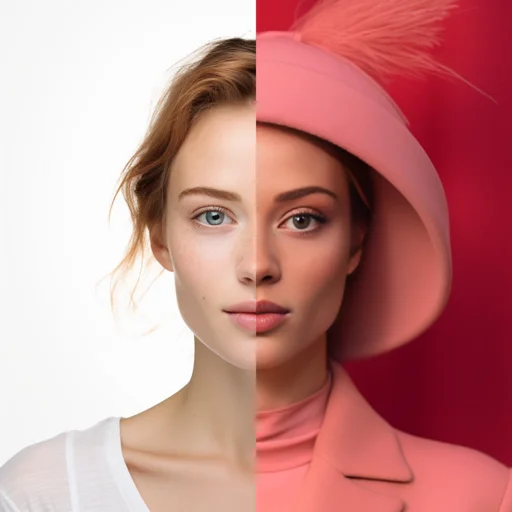
Pick a style, add a selfie, and FaceAI turns it into studio portraits, trend photos and short AI videos of you.






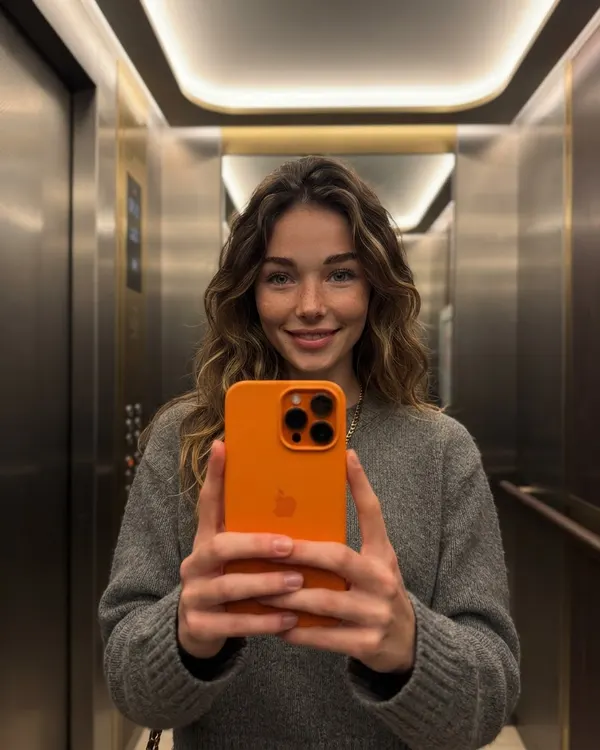


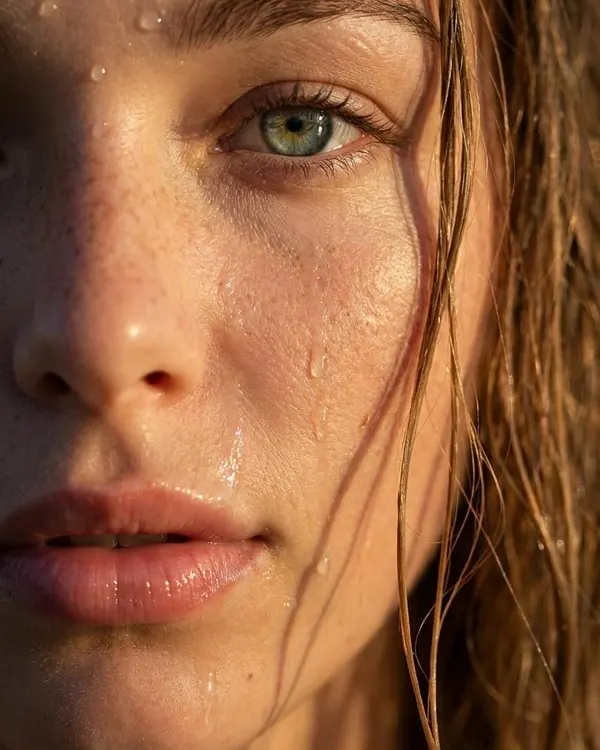



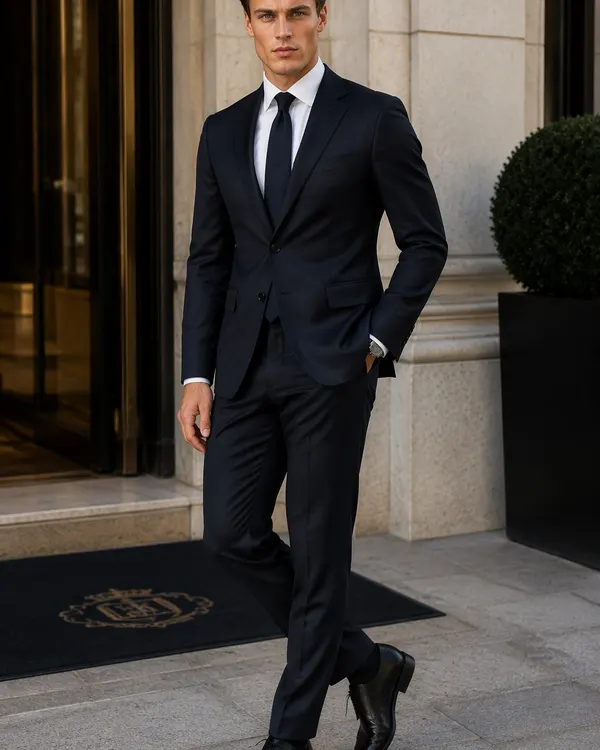





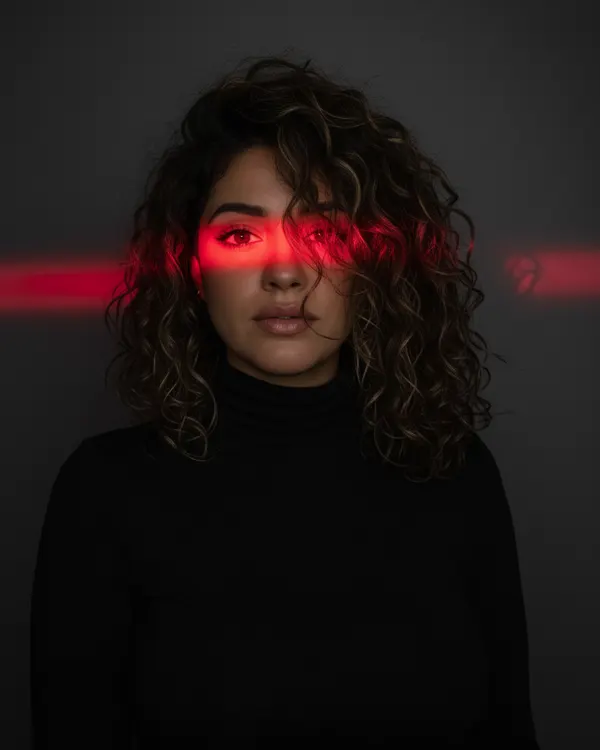


A photo studio in your pocket.
Professional headshots for your CV, cinematic portraits, snowy winter shoots and 90s film looks, all from one selfie. New styles are added all the time.
- Headshots & CV photos
- Studio & editorial
- Cinematic scenes
- Seasonal looks
- Retro & 90s
- Black & white
- Caricature & cartoon
Join the trend with your own photo.
One photo becomes a short video: on the big screen at a concert, in an 80s Istanbul café, or in a vintage photo booth strip.
Three taps to a new look.
- 1
Pick a style
Browse 150+ photo styles and a growing list of AI video trends, from studio headshots to 80s film.
- 2
Add your selfie
A clear, well-lit photo of your face from the shoulders up works best. No studio, no special camera.
- 3
Save and share
Your results land in your Library. Save them to your phone or share them straight to your socials.
Your face, your call.
Your photos are used to make the results you ask for. We never sell them and never use them to train AI models.
Read the privacy policy →Made for your own face
FaceAI is for creating photos and videos of yourself. Only add photos of other people if they've agreed.
You decide what's shared
The app asks before your photos go to the AI services that make your results, and you can withdraw that in Settings.
Delete any time
Delete your account from Settings whenever you like. Our privacy policy explains what we keep and for how long.
Questions, answered.
Is FaceAI free?
FaceAI is free to download. Creating photos and videos uses coins, which come with a FaceAI Pro subscription or in coin packs inside the app.
What kind of photo should I use?
A well-lit photo taken from straight ahead, with your face visible from the shoulders up. Avoid full-body shots, group photos, sunglasses, hats and hair over your face: they make the results look less like you.
Can I use photos of other people?
FaceAI is made for photos of yourself. Only upload a photo of someone else if they have agreed, and a photo of a child only if you are their parent or guardian.
Which phones does FaceAI work on?
FaceAI is available on iPhone from the App Store and on Android phones from Google Play.
Do you use my photos to train AI?
No. We don't sell your photos and we don't use your photos or results to train AI models. The privacy policy lists the services that process them.
How do I delete my data?
Open Settings in the app and choose to delete your account. You can also write to faceai@dofatech.com and we'll help.
Your next profile picture is one selfie away.
Download FaceAI for iPhone or Android.